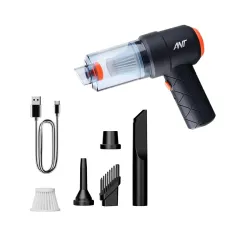
₹1,299 −65%
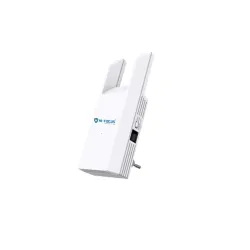
HI-Focus 300 Mbps Wi-Fi Range Extender (2.4 GHz) | Dual-Antenna Wireless Booster + Ethernet Port | Plug-and-Play Wi-Fi Repeater for Home & Office Coverage

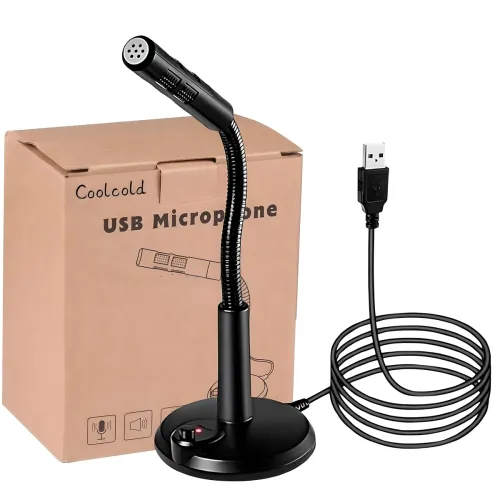
COOLCOLD USB Microphone – Plug & Play Noise Cancelling Mic for PC, Laptop & Mac – Professional Desktop Microphone for Online Meetings, Podcasting, Video Calls – Compatible with Windows & MacOS
COOLCOLD USB Microphone – Plug & Play Noise Cancelling Mic for PC, Laptop & Mac – Professional Desktop Microphone for, Online Meetings, Podcasting, Video Calls – Compatible with Windows & MacOS is available online in India at ₹474 (68% off) on Amazon. MRP is ₹1,499, so you save ₹1,025.
Added by @latika on 10th August, 2026 at 9:50 AM.
Join the DealsSpy Telegram or WhatsApp channel to get new deals as they are posted.
Prices and availability are accurate when posted but may change on the store. DealsSpy may be compensated if you buy through links on this site. Read our pricing disclaimer.
Saved deals stay on this device only.